Want to save a YouTube video for offline viewing? Here's how to download any YouTube video in seconds using our free online tool — no software needed.
Steps
- Paste your YouTube link into the input field on the homepage.
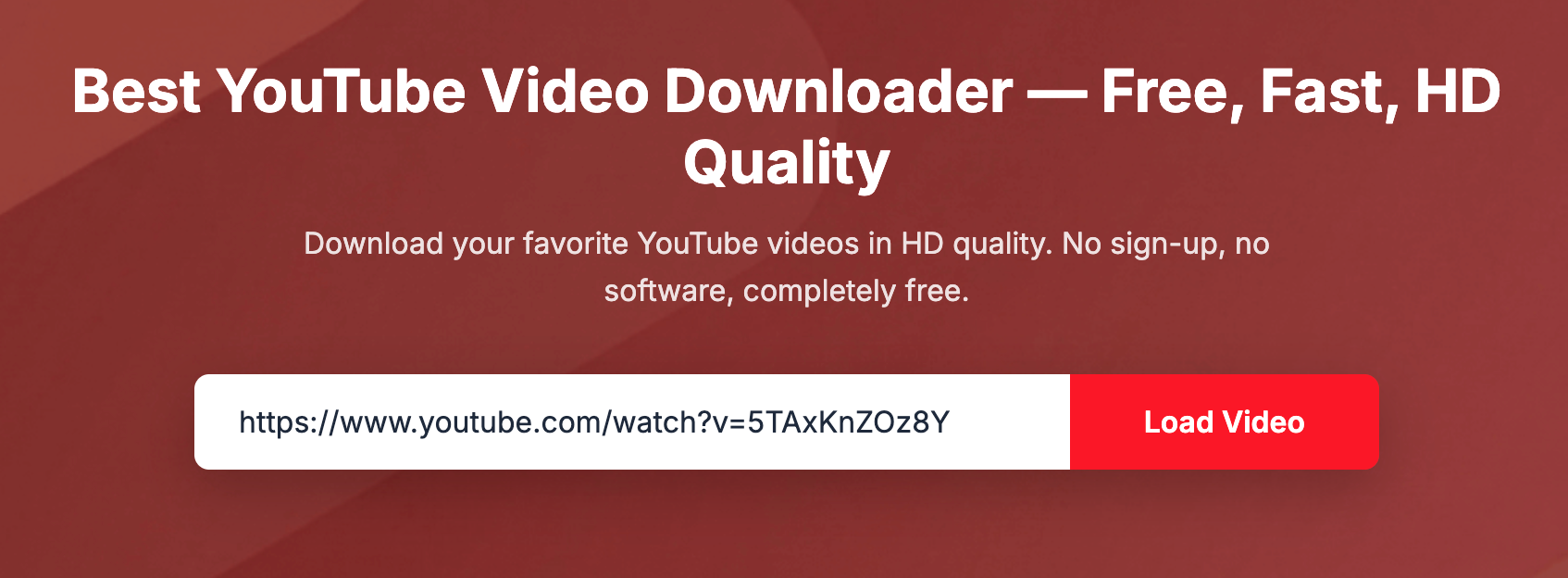
- Click Load Video, then select your preferred quality (360p, 480p, 720p, or 1080p).

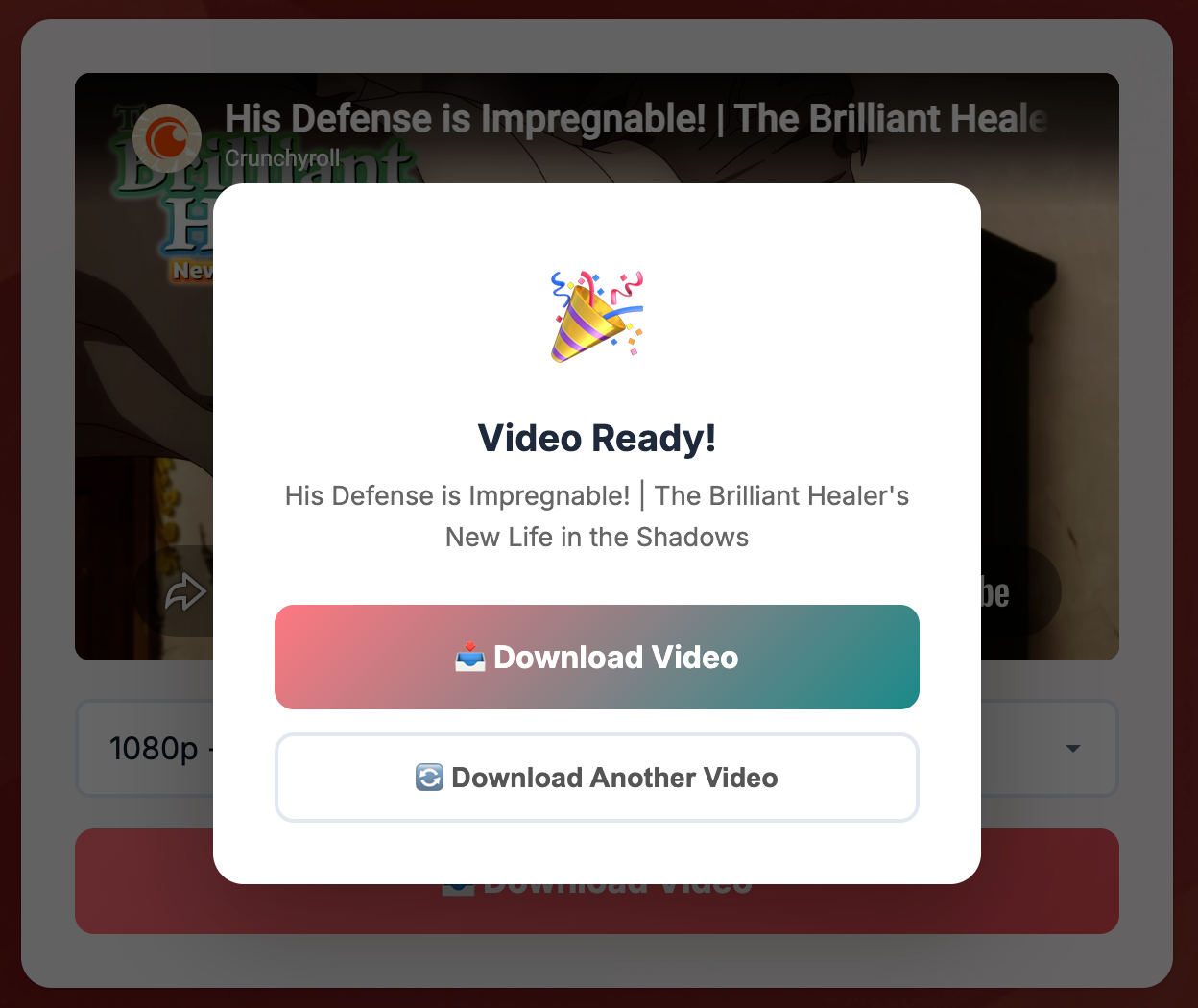
- Click Download Video and wait for processing to complete. When ready, click the download link to save the file.
Tips for best results
- Choose 720p for a good balance between quality and file size.
- If you only need the audio, select MP3 or M4A format for a smaller download.
- For longer videos, higher quality means larger files — check your available storage first.
- Downloads work on desktop, tablet, and mobile browsers.
Frequently asked
What formats can I download?
MP4 for video and MP3/M4A for audio. Quality options depend on what the original video supports.
Is there a video length limit?
Most videos up to a few hours work fine. Very long livestream recordings may take longer to process.
Do I need to install anything?
No. Everything runs in your browser — no extensions, apps, or sign-ups required.
Is it free?
Yes, completely free with no hidden fees.